
Resurecting the Alphacool LCD Screen on Linux
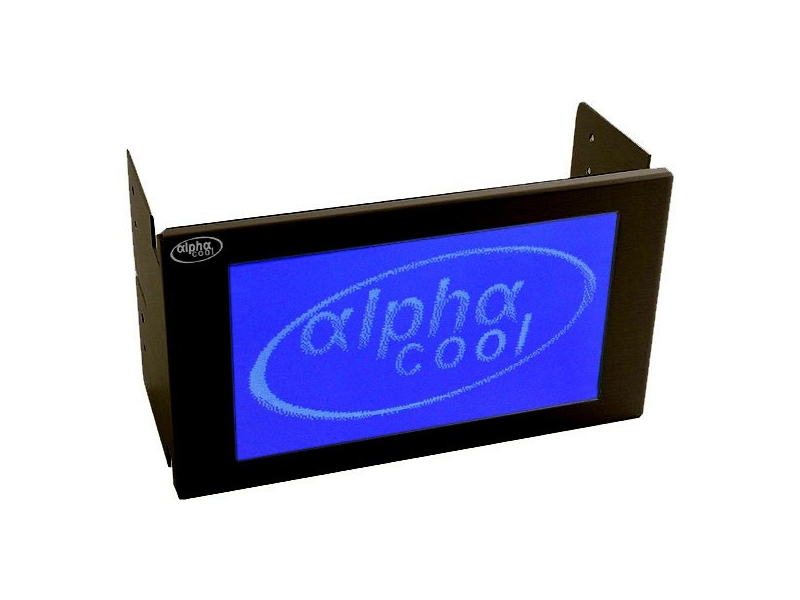
This one is for the 3 people who still have Alphacool’s LCD screen from the mid 2000’s and want to get it running on lcd4linux ..on Linux (obviously). This particular relic is still supported on Windows using AIDA64 and some back-in-the-day USB drivers that may or may not bluescreen your PC. Anyway, this article (mostly for myself when I reinstall next) shows how to get the Serdisplib drivers enabled with lcd4linux on Debian 13.
1. Install prerequisites
We’ll need the below utilities installed to compile the software. I’m also uninstalling Debian’s lcd4linux package that I was messing about with. the distro package of lcd4linux doesn’t have the right driver baked in.
apt update
apt uninstall lcd4linux # In case you had already installed the Debian packaged version.
apt install -y gettext libtool libtool-bin  libgd3 libgd-dev libusb-1.0-0-dev libusb-dev dh-autoreconf pkg-config build-essential git
2. Download, compile and install SerDispLib
Grab the source for SerDispLib from (ugh) sourceforge, from the link below, then navigate to your download and run the commands shown:
https://serdisplib.sourceforge.net/
tar xvzf serdisplib-2.02.tar.gz
cd serdisplib-2.02/
./configure --enable-libusb --with-drivers=all
make
sudo make install
cd src/
The serdisplib libraries/drivers should now be installed.
3. Test the driver
Assuming you’ve plugged in your screen, find the right device using the lsusb command, grab the usb ID.
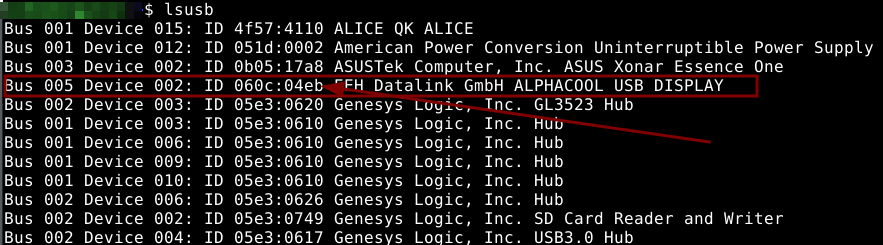
Now run the testserdisp command with -n set to ‘alphacool’ and the -p flag set to the usb ID you retrieved above.
sudo testserdisp -n alphacool -p usb:060c/04eb
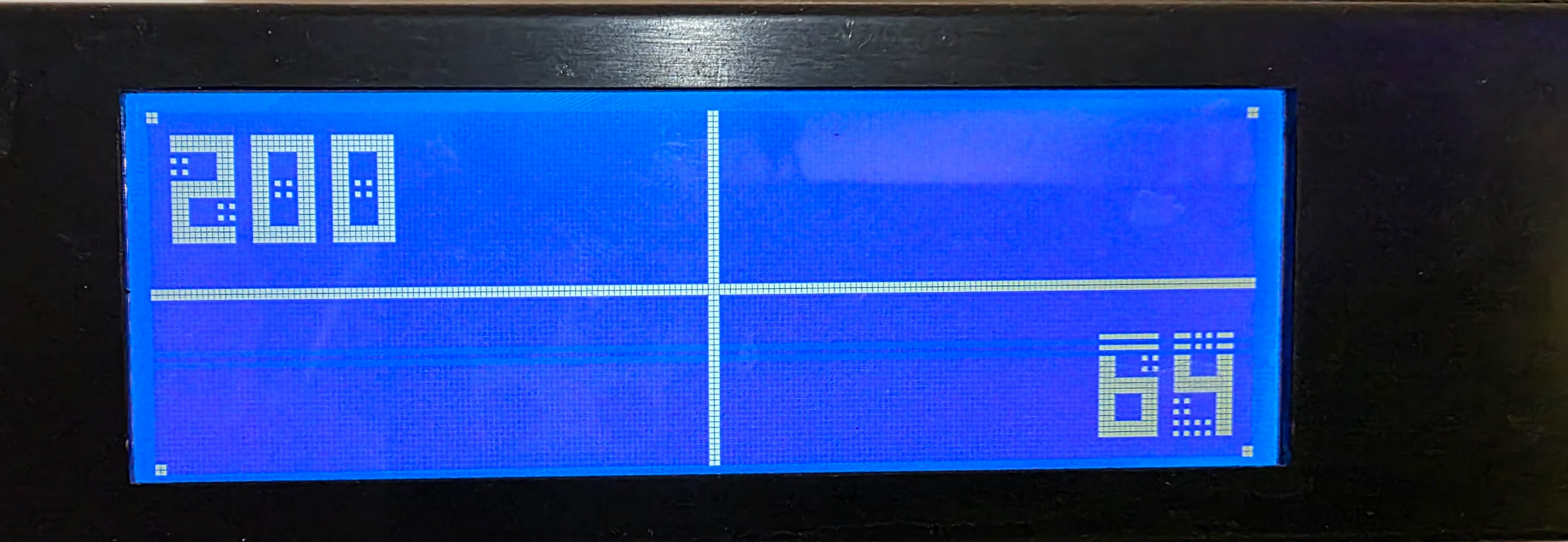
All being well, you should see some output
(note the odd lines are just because my display is a bit damaged..)
4. Download, compile and install lcd4linux
Grab a copy of lcd4linux from github and compile it, ensuring you enable the serdisplib driver, as shown below:
git clone https://github.com/jmccrohan/lcd4linux.git
cd lcd4linux
mkdir m4
autoreconf -fvi -I m4
./configure --with-drivers=serdisplib --with-plugins='!all'
make
sudo make install
5. Test lcd4linux with your display
Here is a very minimal lcd4linux configuration file, create it as shown, don’t forget to change the ‘Port’ setting if your usb ID is different
sudo tee /etc/lcd4linux.conf <<EOF

Display SerDispLib {
  Driver 'serdisplib'
  Port 'usb:060c/04eb'
  Model 'ALPHACOOL'
  Options ''
}
Variables {
  tick 500
  tack 100
  minute 60000
}

Display 'SerDispLib'
Layout 'Main'

Widget OS {
    class 'Text'
    expression ' '.uname('sysname').''.uname('release').''.uname('machine').' '
    width 300
    align 'L'
    speed 100
    update tick
}
Layout Main {
  Layer 0
    Row1 {
      Col11 'OS'
    }
}
EOF
Make sure to set the permissions correctly or lcd4linux will complain:
chmod 600 /etc/lcd4linux.conf
chown root.root /etc/lcd4linux.conf
6. Add a unit file to control lcd4linux
sudo tee /etc/systemd/system/lcd4linux.service << EOF
[Unit]
Description=daemon for driving LCD based displays

[Service]
Type=forking
ExecStart=/usr/local/bin/lcd4linux
User=root
PIDFile=/run/lcd4linux.pid
Restart=on-abort

[Install]
WantedBy=multi-user.target
EOF
Now enable and start lcd4linux:
sudo systemctl daemon-reload
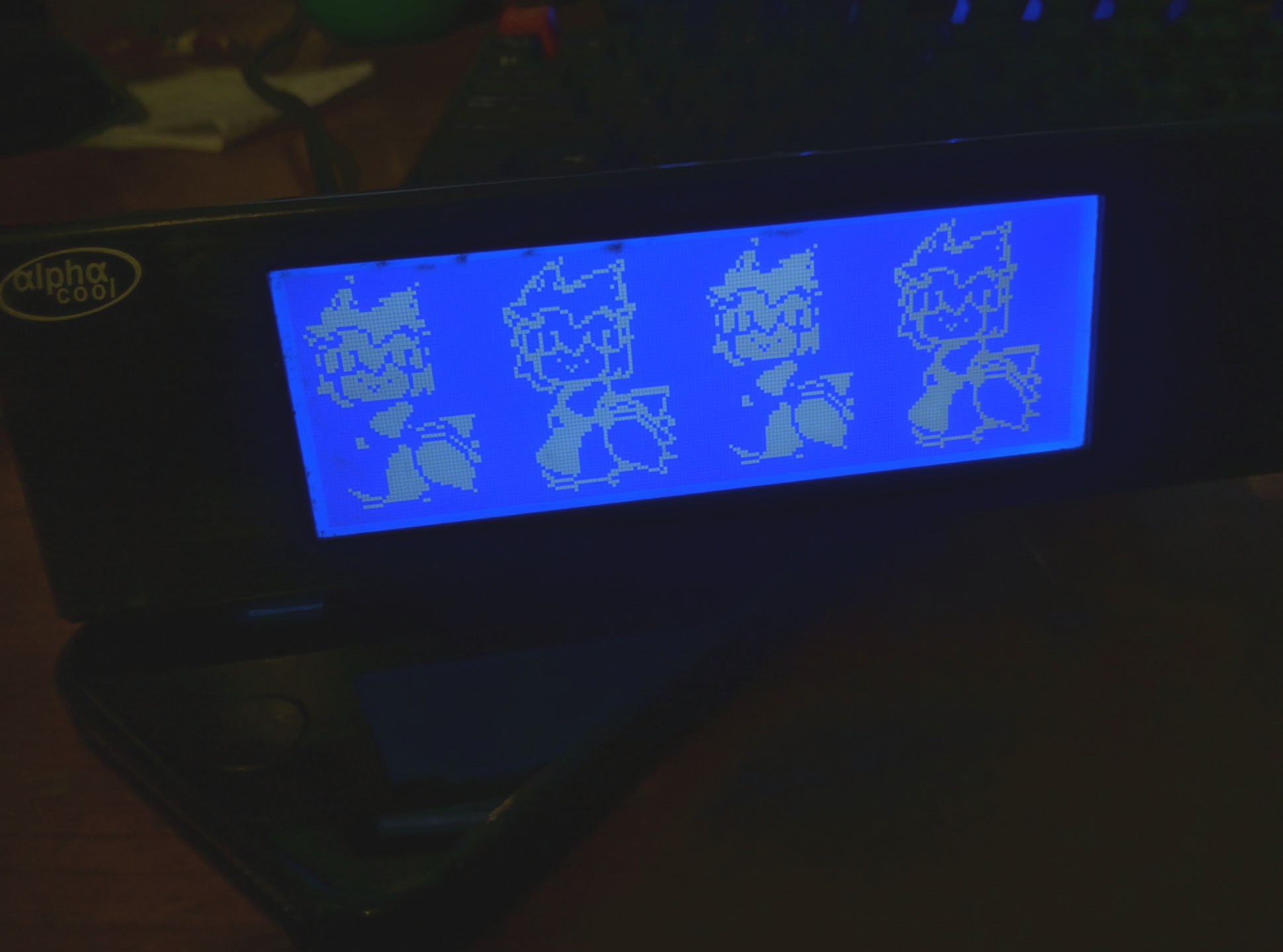
sudo systemctl enable --now lcd4linux
A note for Arch Linux users
lcd4linux won’t compile as-is so you may need this patch. See this thread
diff --git a/PKGBUILD b/PKGBUILD
index d9eda6d..660ffa5 100644
--- a/PKGBUILD
+++ b/PKGBUILD
@@ -8,14 +8,21 @@ pkgdesc="Grabs information from the kernel and other systems and displays it on
 arch=('i686' 'x86_64')
 url="https://wiki.lcd4linux.tk/doku.php"
 license=('GPL-2.0-only')
-makedepends=('git' 'pkg-config' 'automake' 'autoconf')
+depends=('dbus' 'glibc' 'libusb-compat' 'ncurses' 'sqlite')
+makedepends=('git')
 provides=('lcd4linux')
 conflicts=('lcd4linux-svn')
 backup=('etc/lcd4linux.conf')
 source=('lcd4linux::git+https://github.com/jmccrohan/lcd4linux'
 		'lcd4linux.service')
 md5sums=('SKIP'
-		'809b7eefb65fd5545e9716dd1b7cf925')
+         '809b7eefb65fd5545e9716dd1b7cf925')
+
+prepare() {
+	cd "${_pkgname}"
+	ln -s . m4
+	autoreconf -fiv -I /usr/share/gettext/m4
+}

 pkgver() {
   cd "${_pkgname}"
@@ -24,8 +31,7 @@ pkgver() {

 build() {
 	cd "${_pkgname}"
-	./bootstrap
-	./configure --prefix=/usr
+	CFLAGS+=' -std=gnu17' ./configure --prefix=/usr
 	make
 }